Start here
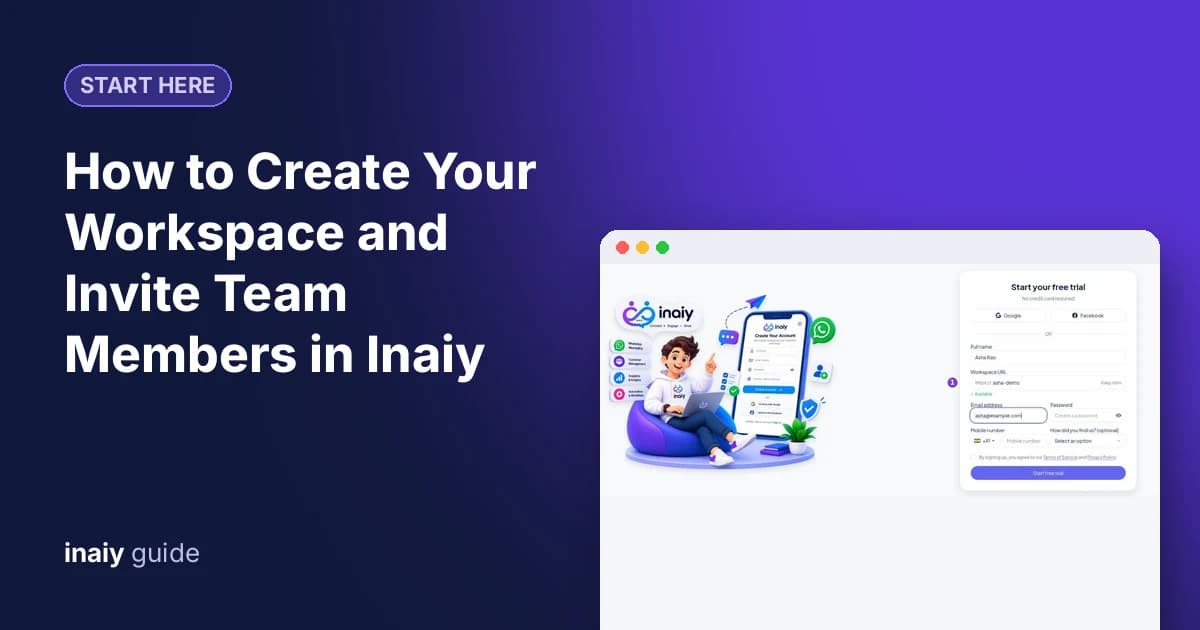
How to Create Your Workspace and Invite Team Members in Inaiy
Create your workspace and invite team members in Inaiy: set company details, send invitations with the right role, and group people into teams.
7 min read
Guides
27 how-to guides with screenshots, from connecting WhatsApp to running campaigns, automation and commerce.
Start here
Create your workspace and invite team members in Inaiy: set company details, send invitations with the right role, and group people into teams.
Start here
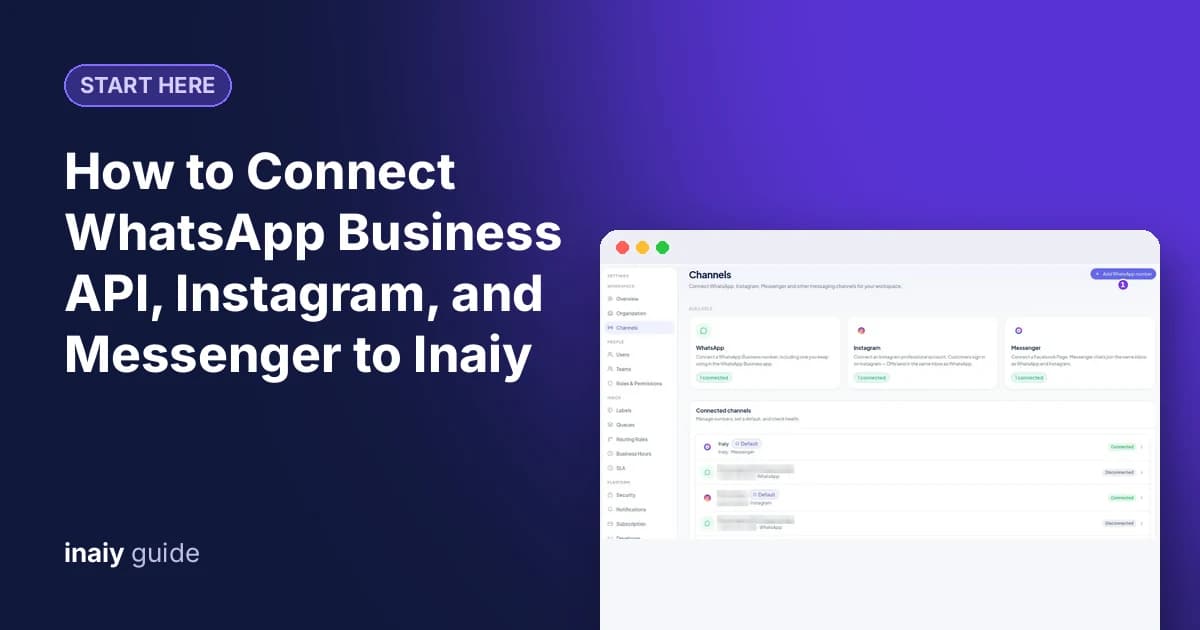
Connect WhatsApp Business API, Instagram and Facebook Messenger to Inaiy so every chat lands in one shared inbox, and check each channel is healthy.
Start here
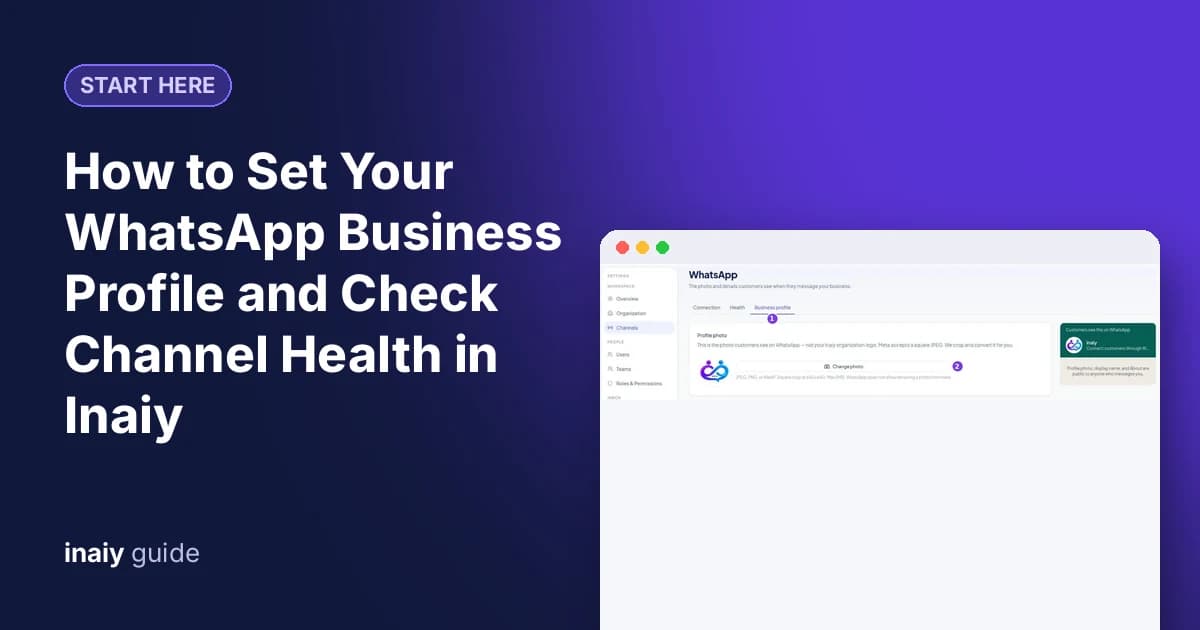
Update your WhatsApp business profile photo, about text, email and websites from Inaiy, then read number health: quality, limits, webhook and token.
Start here
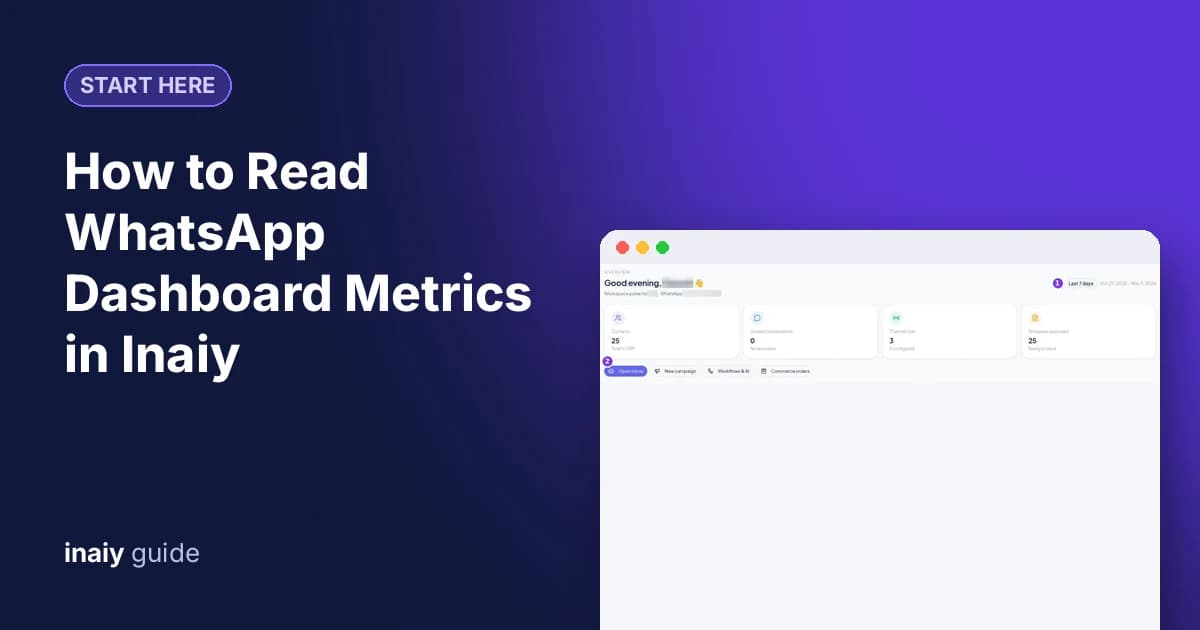
Read the WhatsApp dashboard metrics in Inaiy: contacts, unread chats, live channels, approved templates, items that need attention, and delivery rates.
Inbox
Use the WhatsApp shared inbox in Inaiy to reply as a team: find chats with filters, take over from the AI, assign to a team or agent, and close when done.
Inbox
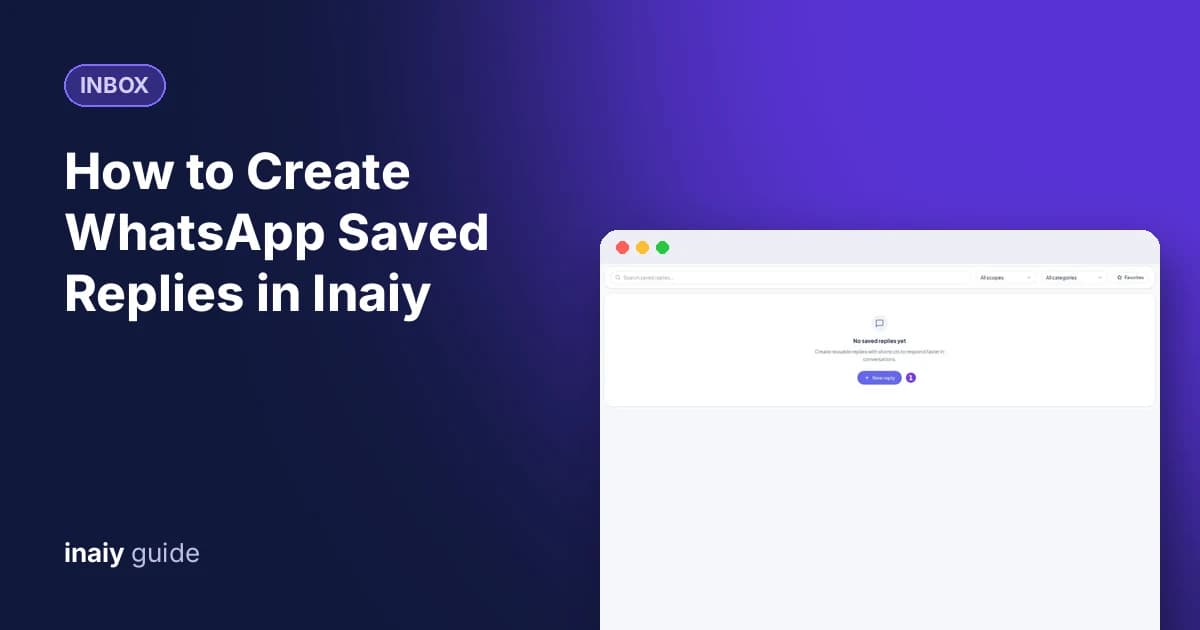
Create WhatsApp saved replies in Inaiy with a title, message, variables, and a /shortcut, share them with your team, and insert them in any chat in seconds.
Inbox
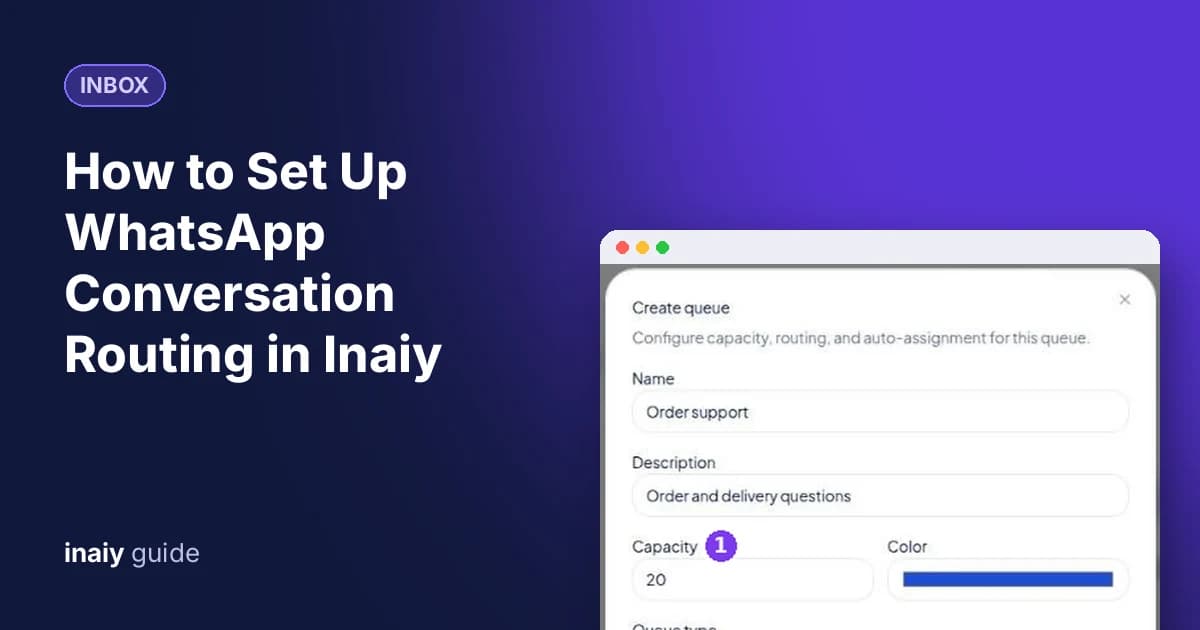
Set up WhatsApp conversation routing in Inaiy: create a queue, turn on round-robin assignment, add agents, and write rules that send chats to the right queue.
Inbox
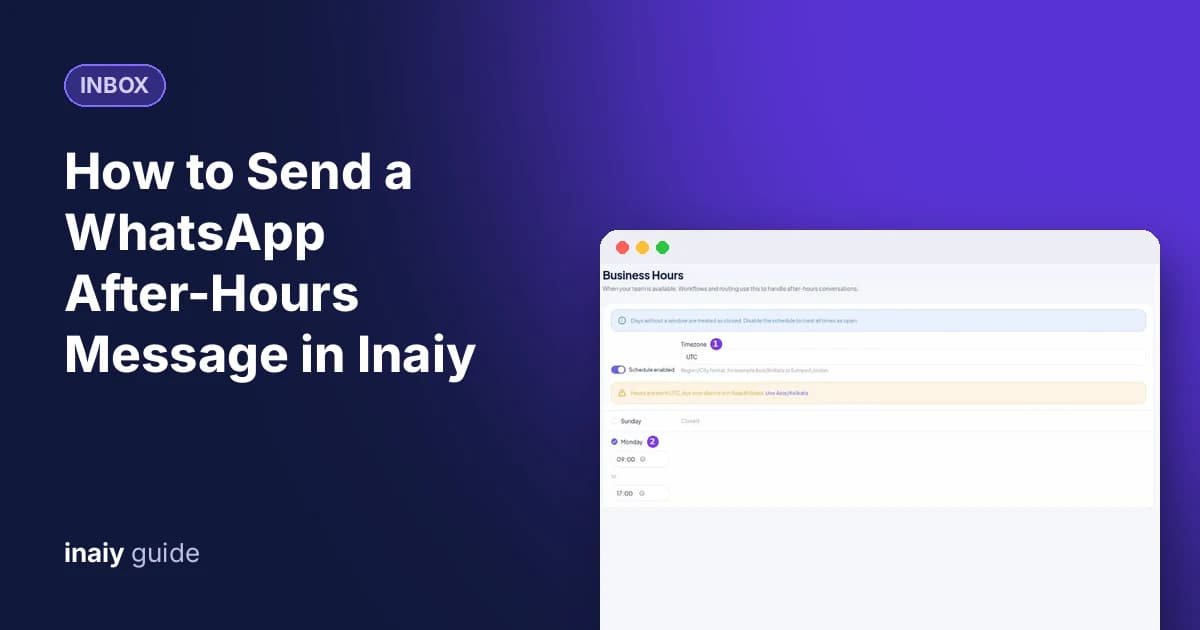
Send a WhatsApp after-hours message automatically: set business hours and timezone in Inaiy, then add a chat rule that replies only when your team is offline.
Inbox
Create a WhatsApp support SLA in Inaiy: set first response, next response, and resolution targets, warn agents before a breach, and escalate late chats.
Inbox
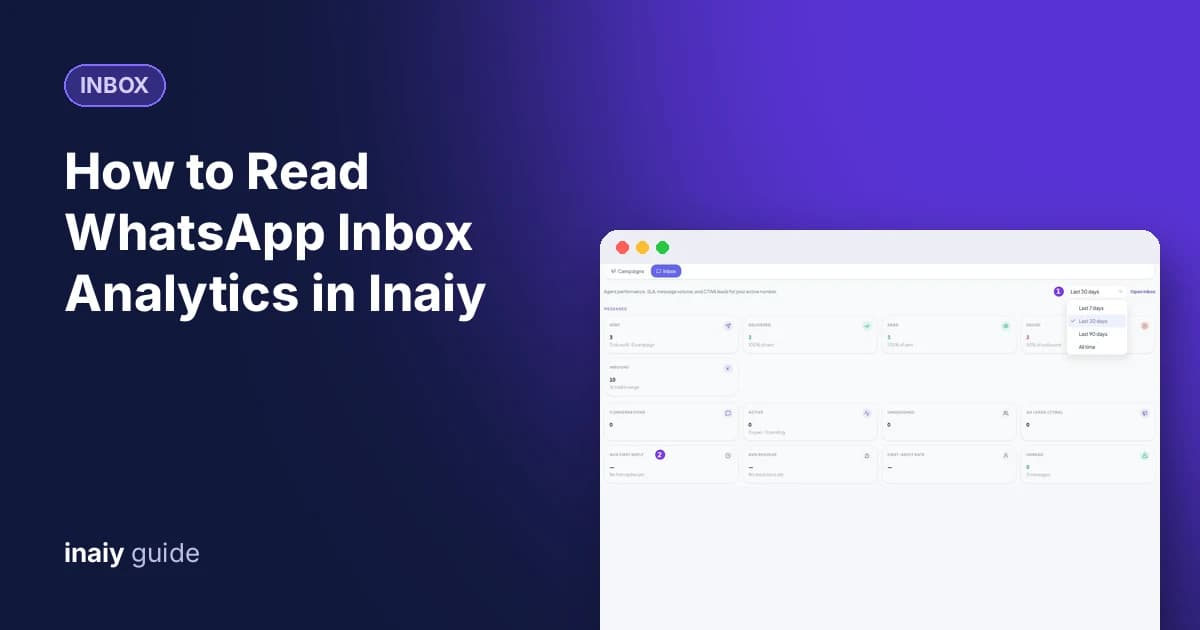
Read WhatsApp inbox analytics in Inaiy: messages sent and failed, conversations, first reply and resolve times, the agent leaderboard, SLA health, and ad leads.
Messaging
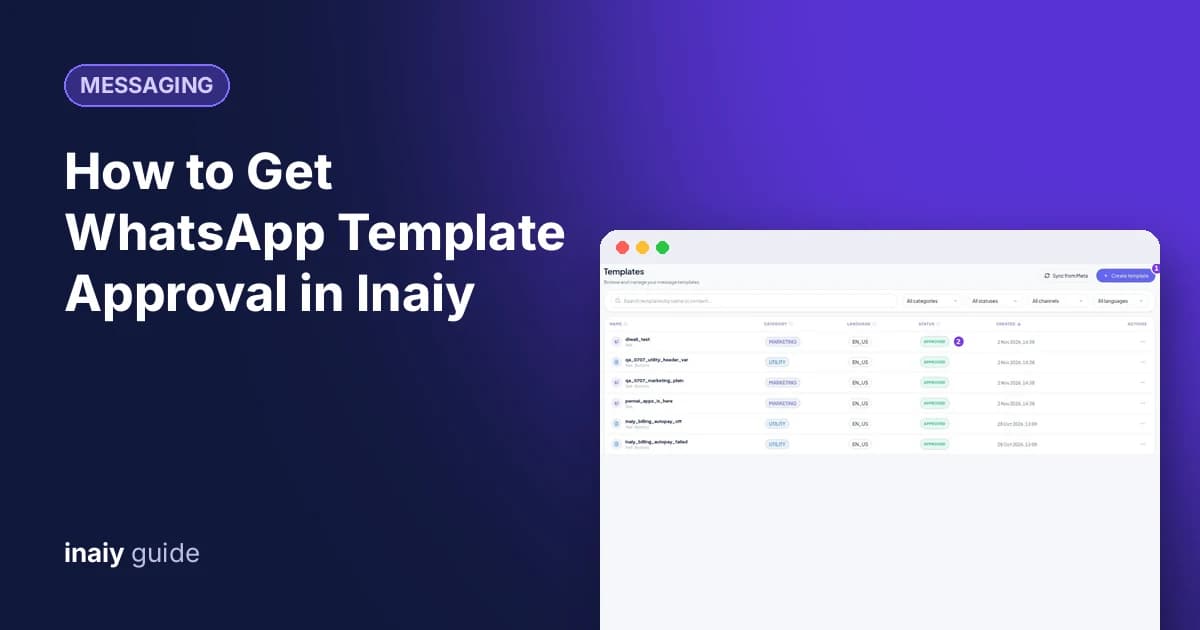
Get WhatsApp template approval faster: create a template in Inaiy, pick the right category, add variable examples, preview it, and submit it to Meta for review.
Messaging
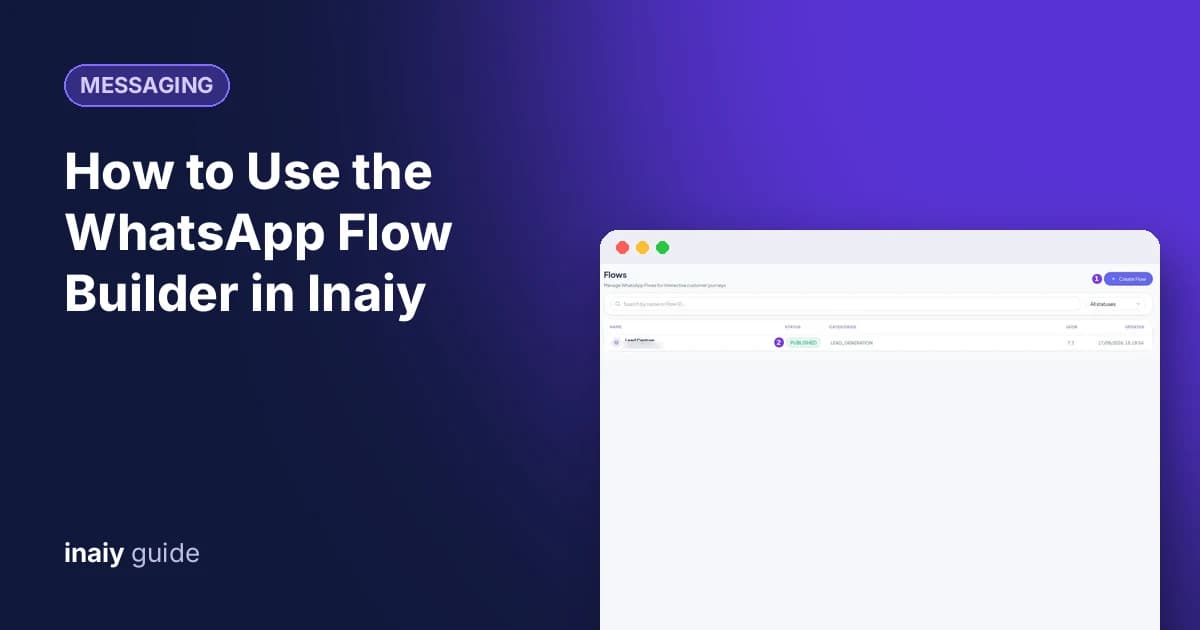
Use the WhatsApp flow builder in Inaiy to create in-chat forms for leads, bookings, and surveys, publish them, send them from chats, and read every response.
Messaging
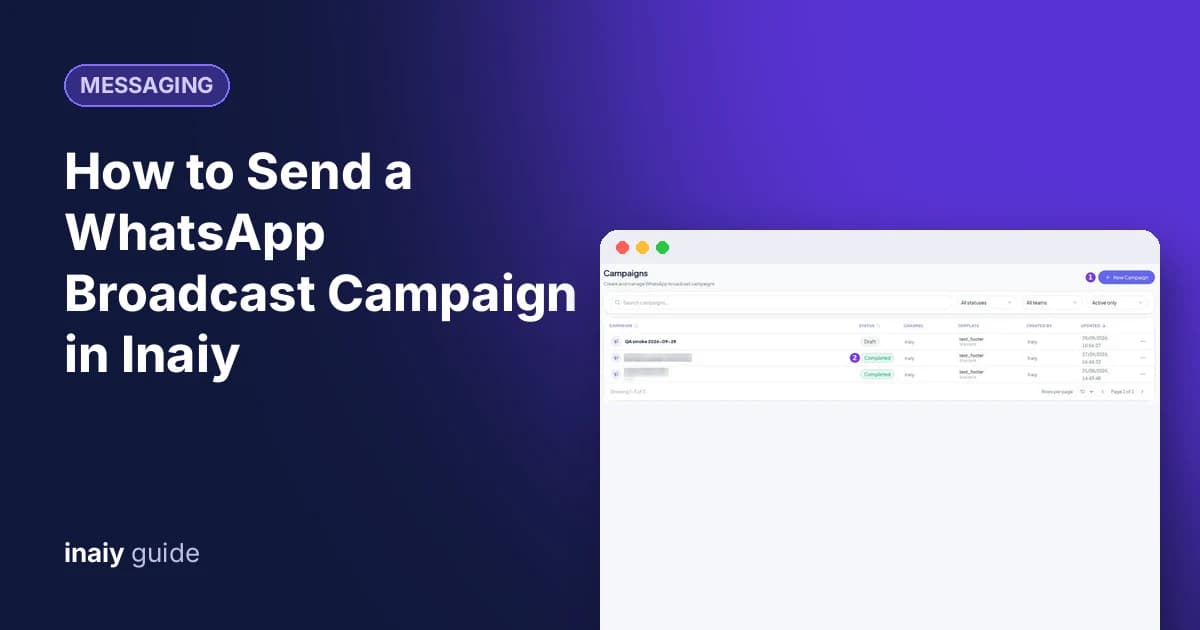
Send a WhatsApp broadcast campaign in Inaiy: pick an approved template, fill its variables, choose contacts or a segment, test it, then send now or schedule it.
Messaging
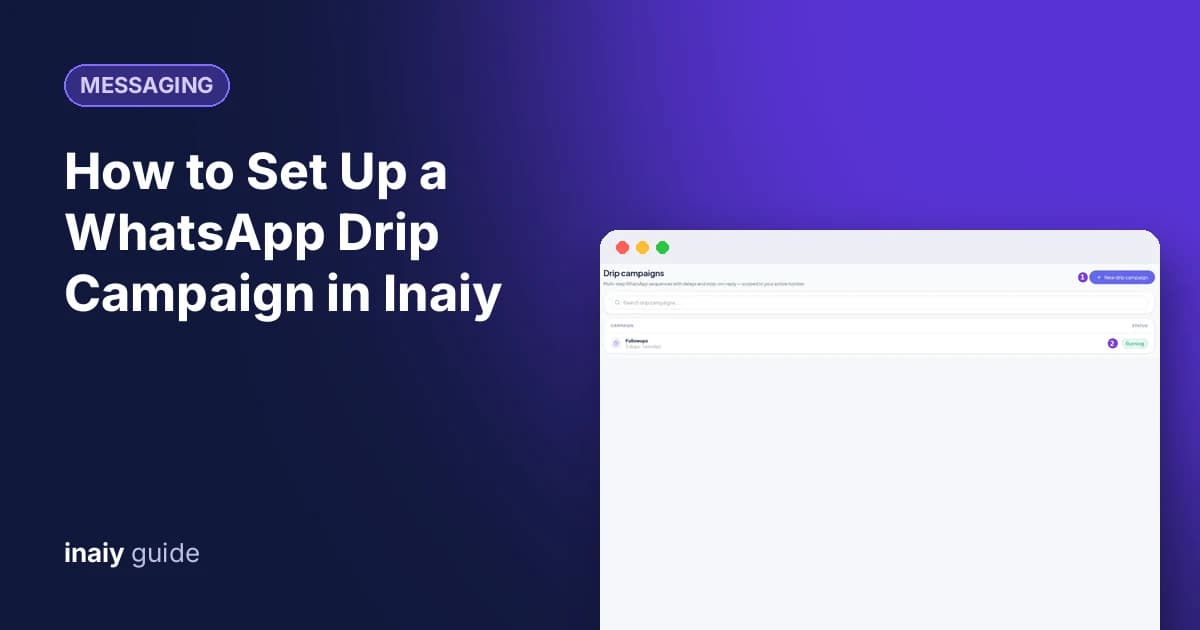
Build a WhatsApp drip campaign in Inaiy: send up to five template messages with delays, enroll a segment automatically, and stop when a customer replies.
Messaging
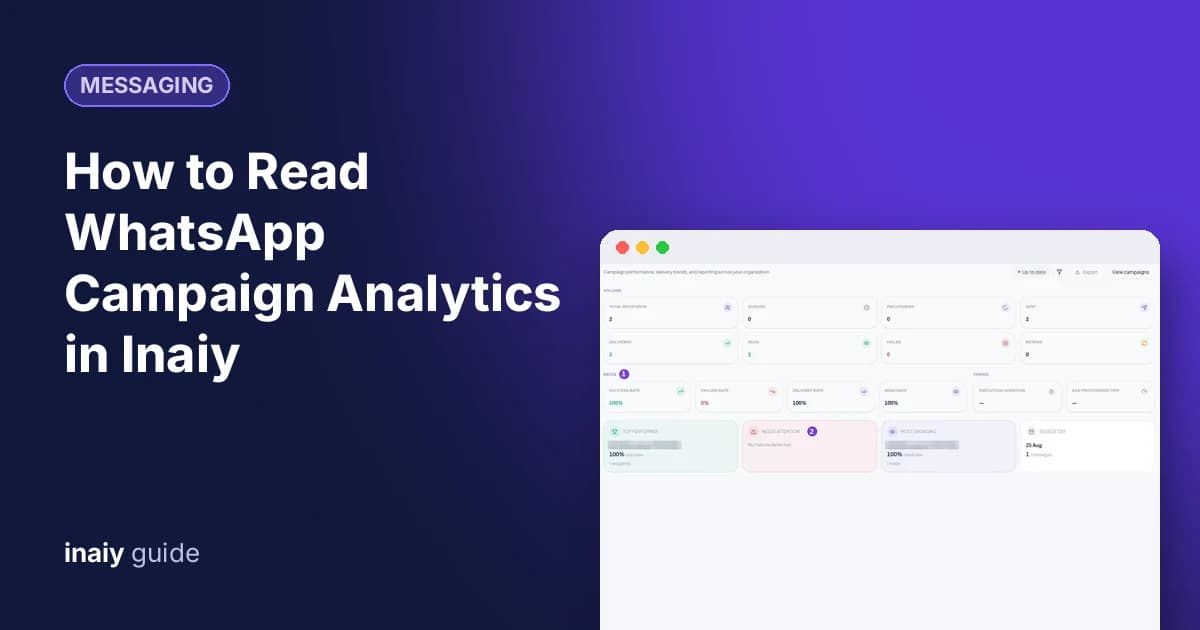
Read WhatsApp campaign analytics in Inaiy: delivery, read, and failure rates, top campaigns, daily trends, per-recipient status, and exportable reports.
CRM
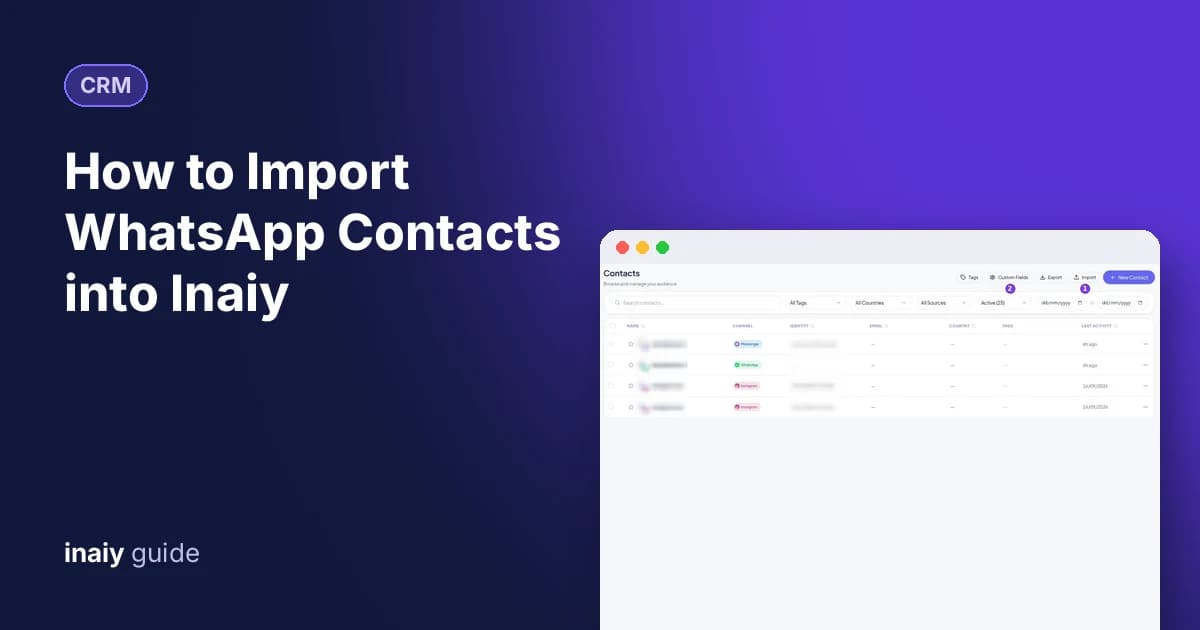
Import WhatsApp contacts into Inaiy from a CSV or Excel file: map name, phone, email, country, and tags, choose how to handle duplicates, and track the import.
CRM
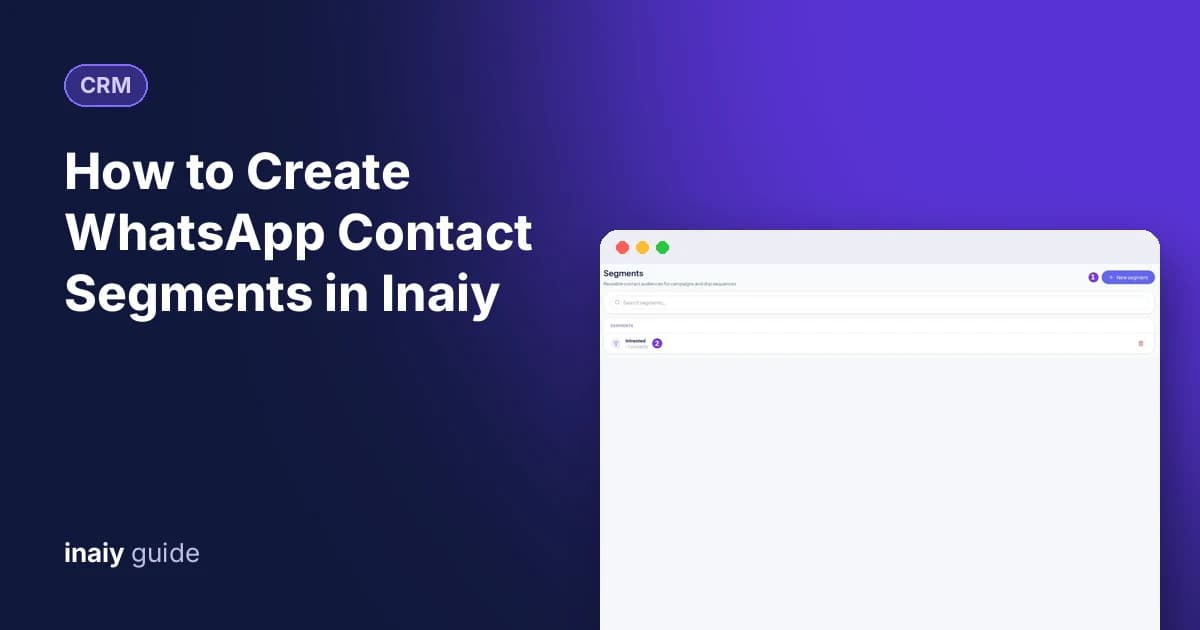
Create WhatsApp contact segments in Inaiy: filter by tag, country, source, or ad, keep the audience live with Select all matching, and reuse it in campaigns.
Automation
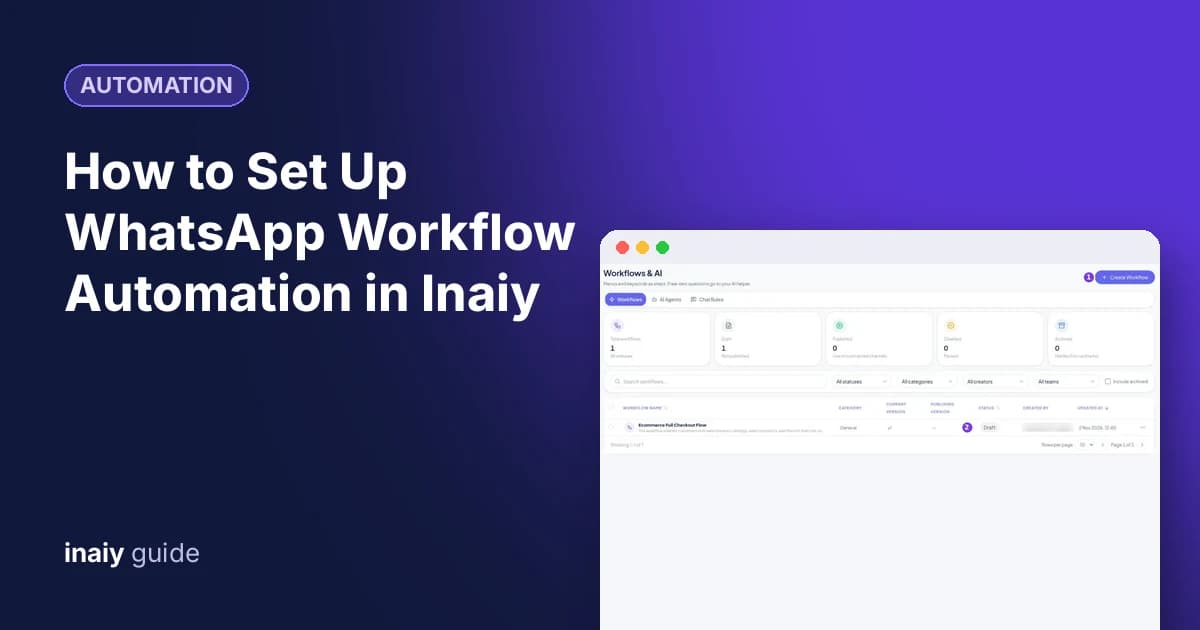
Set up WhatsApp workflow automation in Inaiy: start from a template, set a keyword trigger, connect message and button steps, test with Simulate, then publish.
Automation
Use the AI WhatsApp workflow builder in Inaiy: describe your chat flow in plain words, confirm the plan, review the draft, and refine it with the AI assistant.
Automation
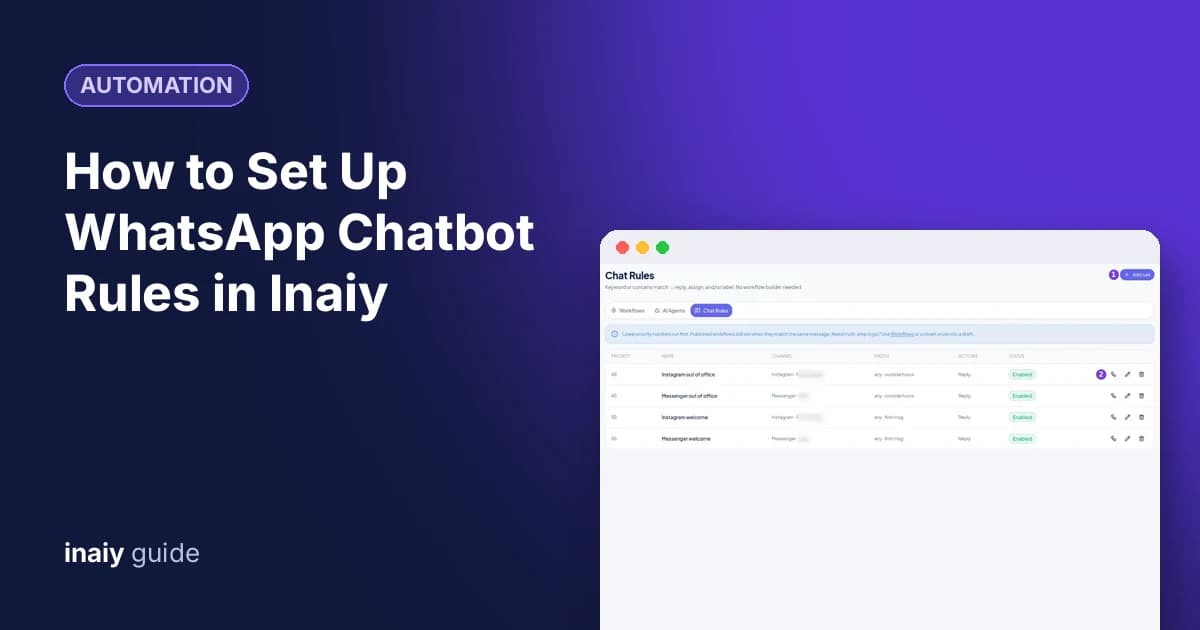
Set up WhatsApp chatbot rules in Inaiy: reply to keywords like PRICE, assign the chat to a team or agent, add labels, and set priority so the right rule runs.
Commerce
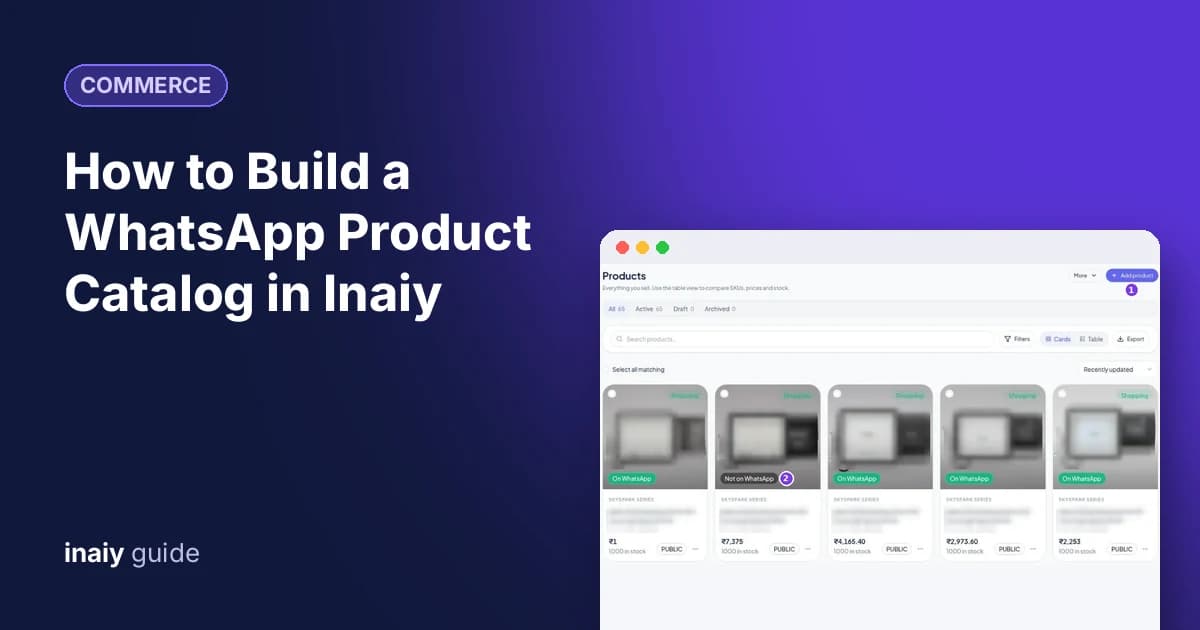
Build a WhatsApp product catalog in Inaiy: add products with a photo, price, stock, and SKU, check the WhatsApp preview, and publish them to your catalog.
Commerce
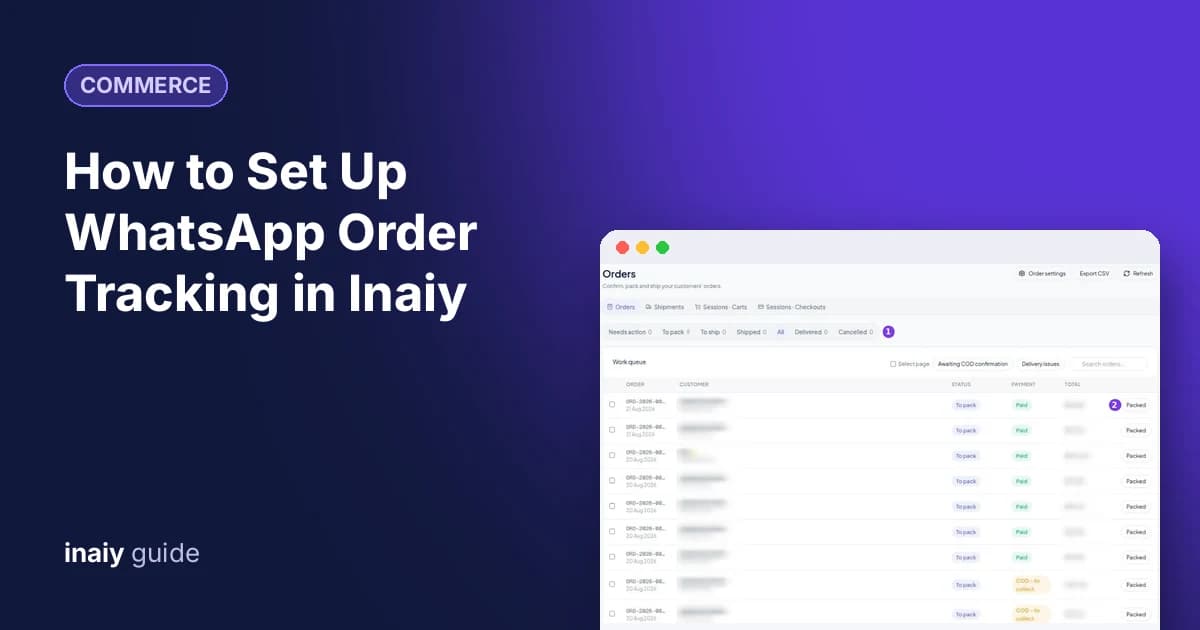
Set up WhatsApp order tracking in Inaiy: move orders from packed to shipped, add courier and tracking details, and send customers automatic status updates.
Commerce
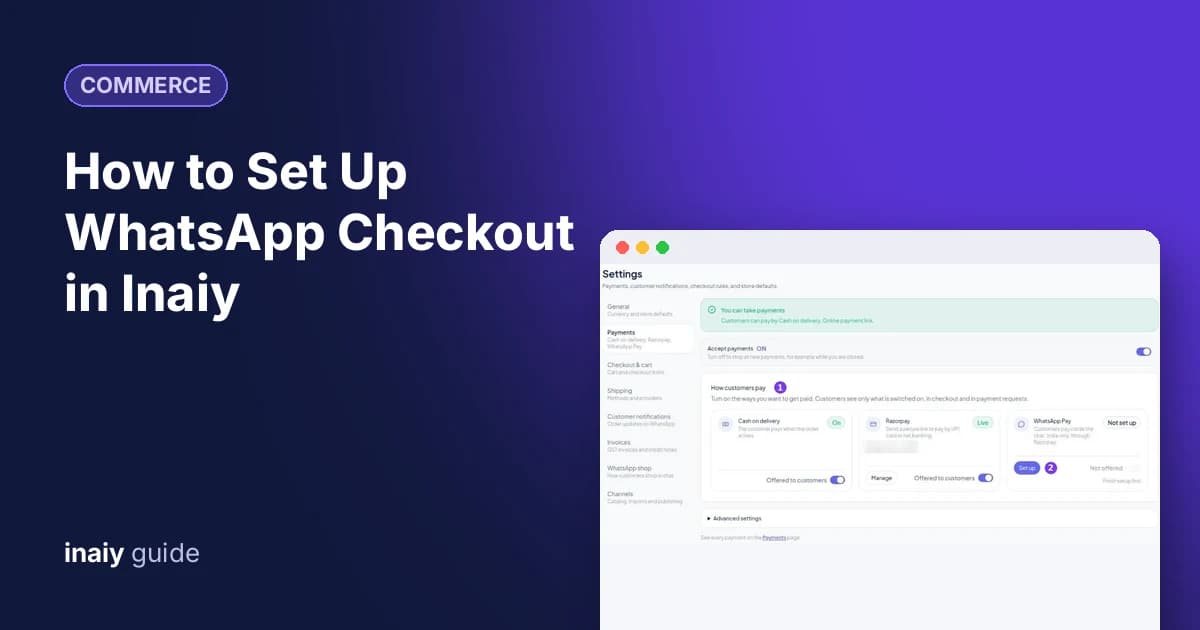
Set up WhatsApp checkout in Inaiy: choose cash on delivery, Razorpay, or WhatsApp Pay, set cart limits, pick a shop style, and follow up on abandoned checkouts.
Commerce
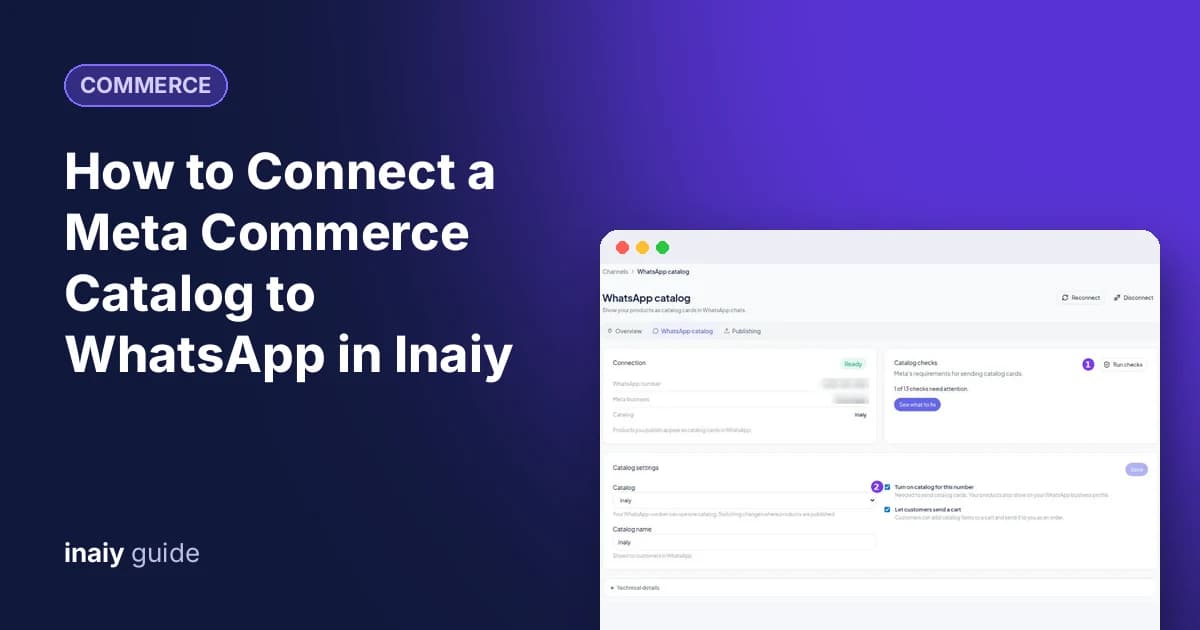
Connect a Meta commerce catalog to your WhatsApp number in Inaiy, run the catalog checks, turn on carts, and publish products in bulk as WhatsApp catalog cards.
Admin
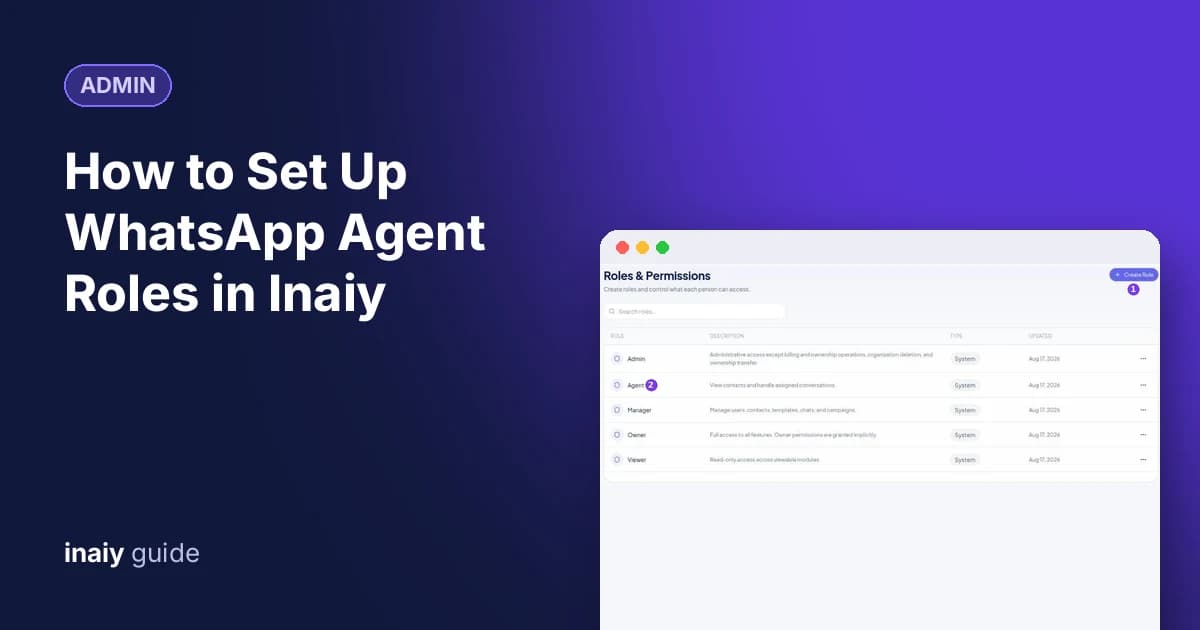
Set WhatsApp agent roles in Inaiy: compare Owner, Admin, Manager, Agent, and Viewer, create custom roles with exact permissions, and invite teammates safely.
Admin
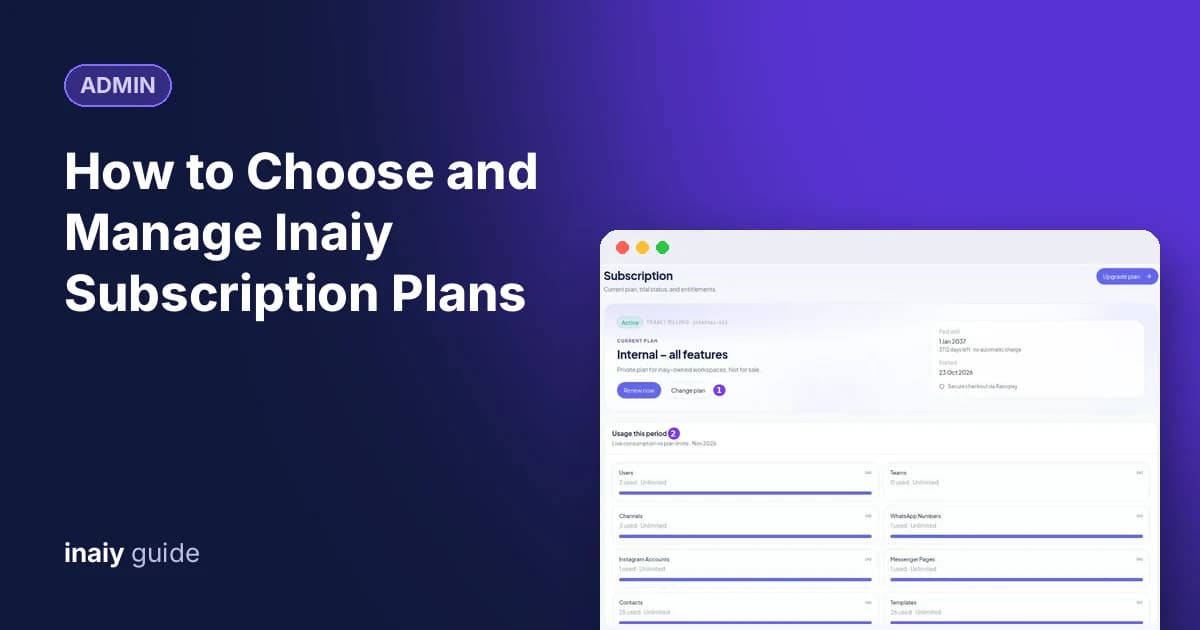
Understand Inaiy subscription plans: compare Starter, Growth, and Business, check usage and limits, upgrade with Razorpay, save yearly, or cancel at period end.
Admin
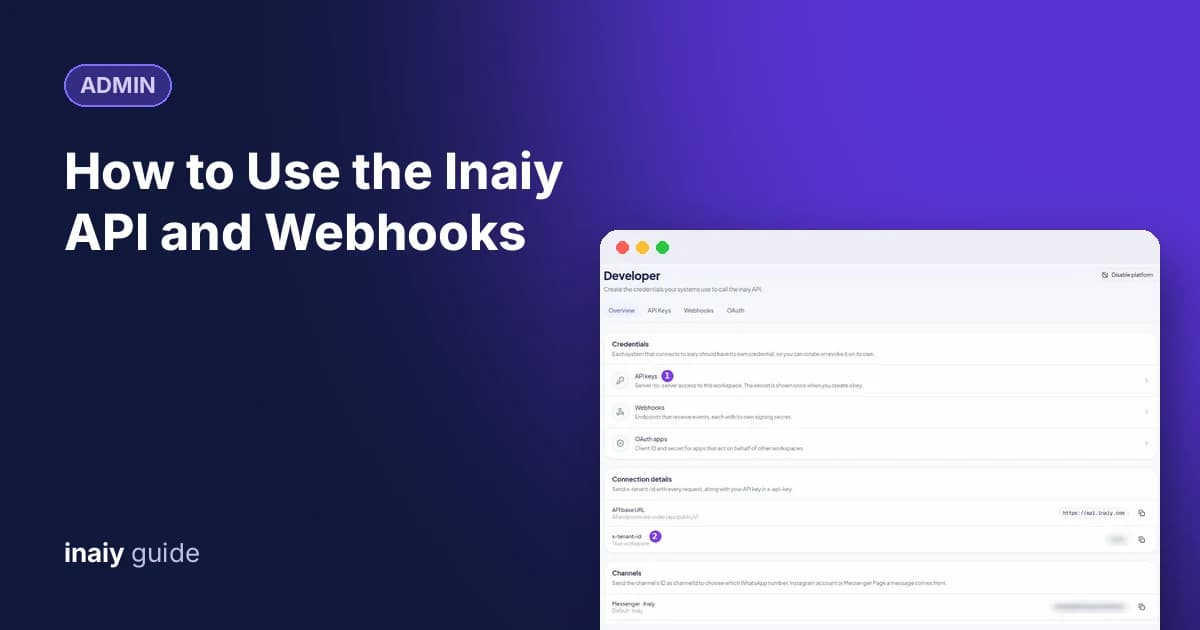
Connect your systems with the Inaiy API: create an API key, send x-api-key and x-tenant-id headers, pick a channel ID, and receive signed webhook events.